Particles in After Effects: a complete guide

Particles are how After Effects makes dust, sparks, smoke, swarms, magic trails and things that break apart. This guide covers how a particle system thinks, what After Effects gives you out of the box, which plug-ins exist and what each is best at, and how five common looks are built.

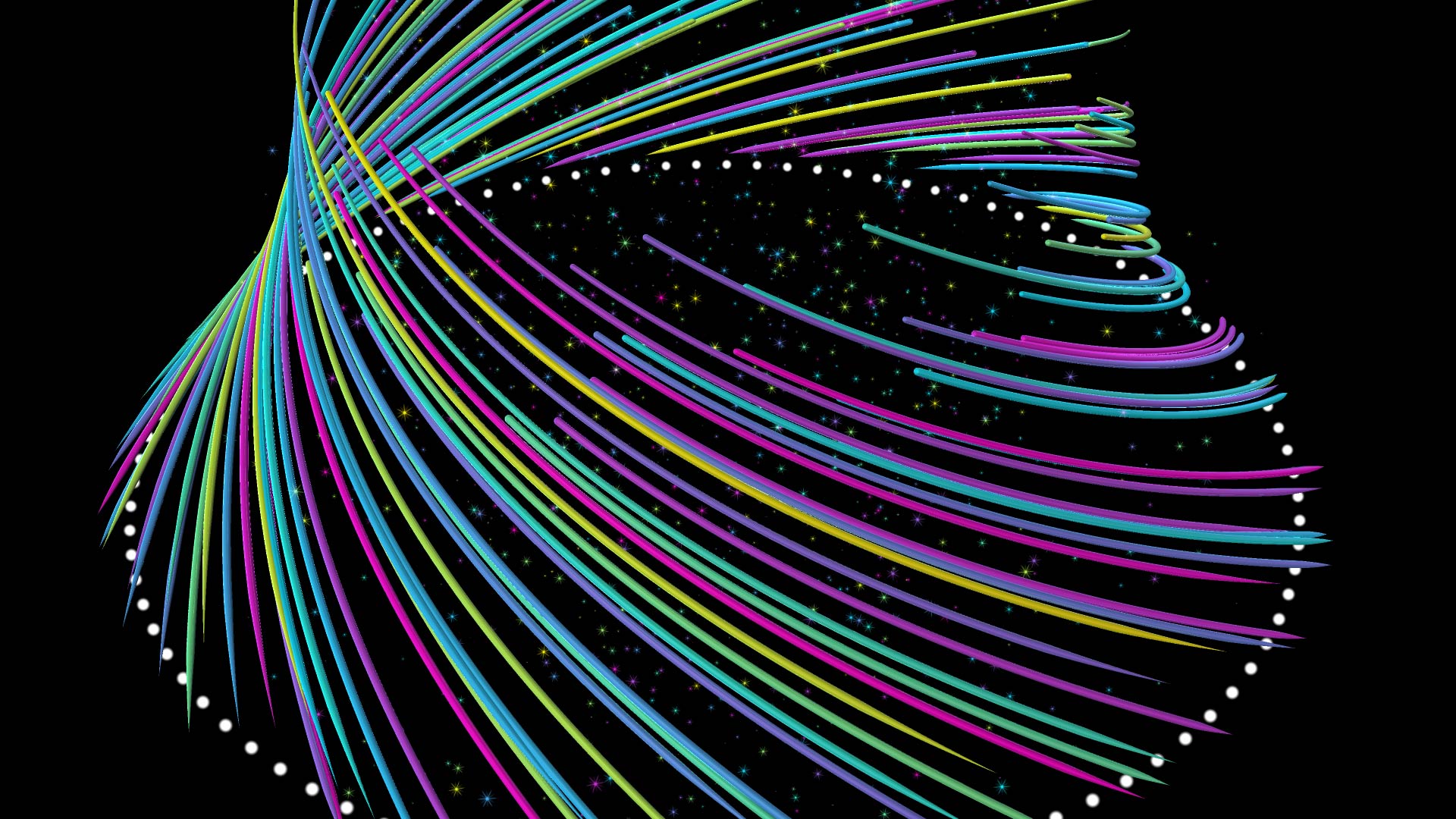
Colored particle tracers sweeping in curved arcs, with star-shaped sprite particles and a ring of white dots.

How a particle system works

Every particle tool in After Effects, built-in or third-party, is built from the same four ideas. Learn these once and every tool becomes easier to read.

1. The emitter: where particles are born

An emitter decides where and how often particles appear. The simplest is a point. Others spread birth across a line, a shape, a box or sphere, text, a mask, another layer's pixels, or a 3D model. Two controls matter most: the birth rate (particles per second) and the lifespan (how long each one lives). Together they decide how many particles are on screen at once.

A particle system feeding child systems, the layers branching outward from one source.

2. Velocity and forces: how particles move

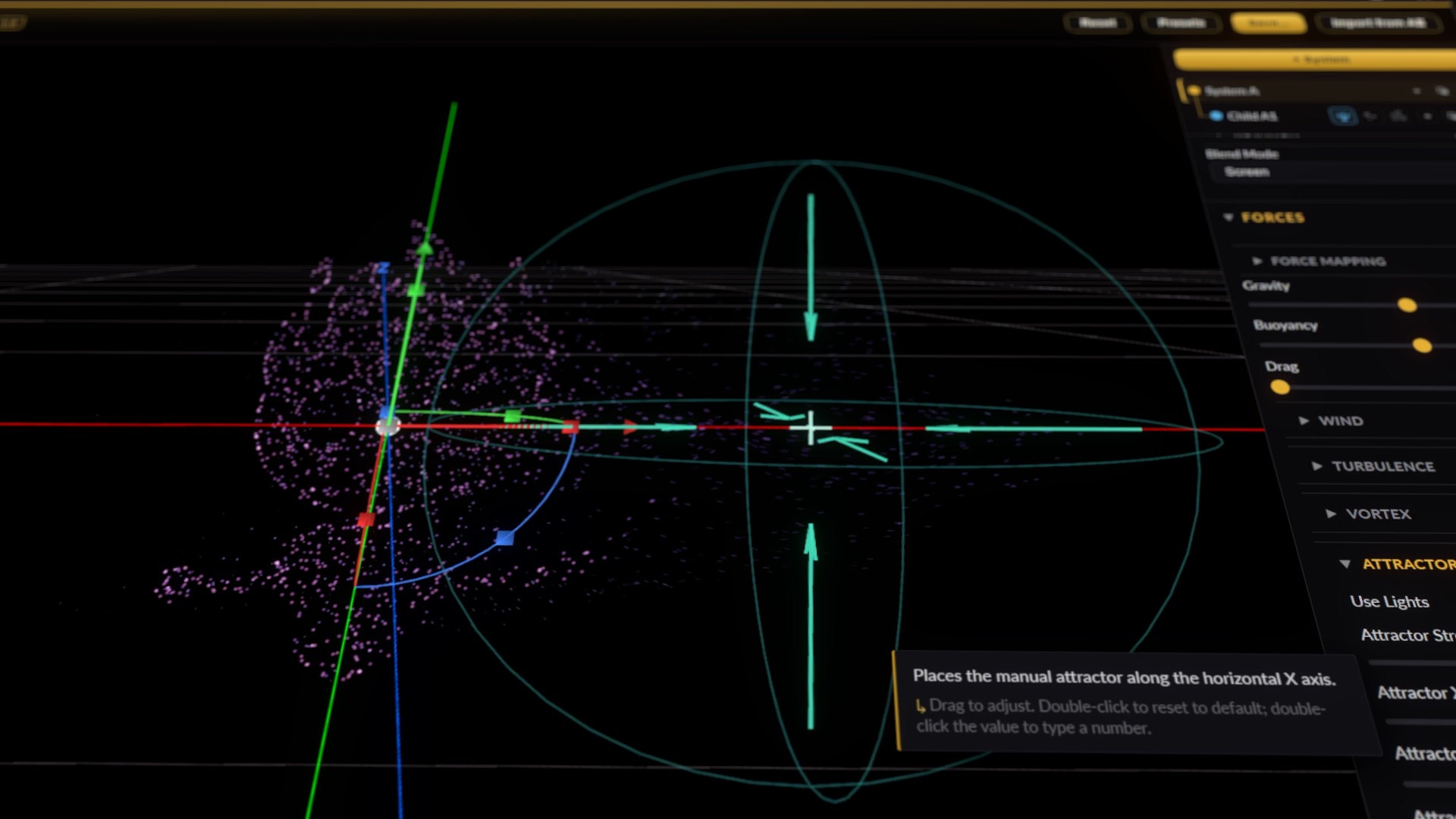
Each particle leaves the emitter with a starting speed and direction, then forces act on it every frame. Gravity pulls, wind pushes, drag slows, turbulence adds organic wander, a vortex spins particles around an axis, and an attractor pulls them toward a point. Most good-looking particle work is a small number of forces, balanced carefully.

An attractor gizmo pulling a cloud of pink particles, beside force controls for gravity, buoyancy, drag, wind, turbulence and vortex.

3. Render type: what a particle looks like

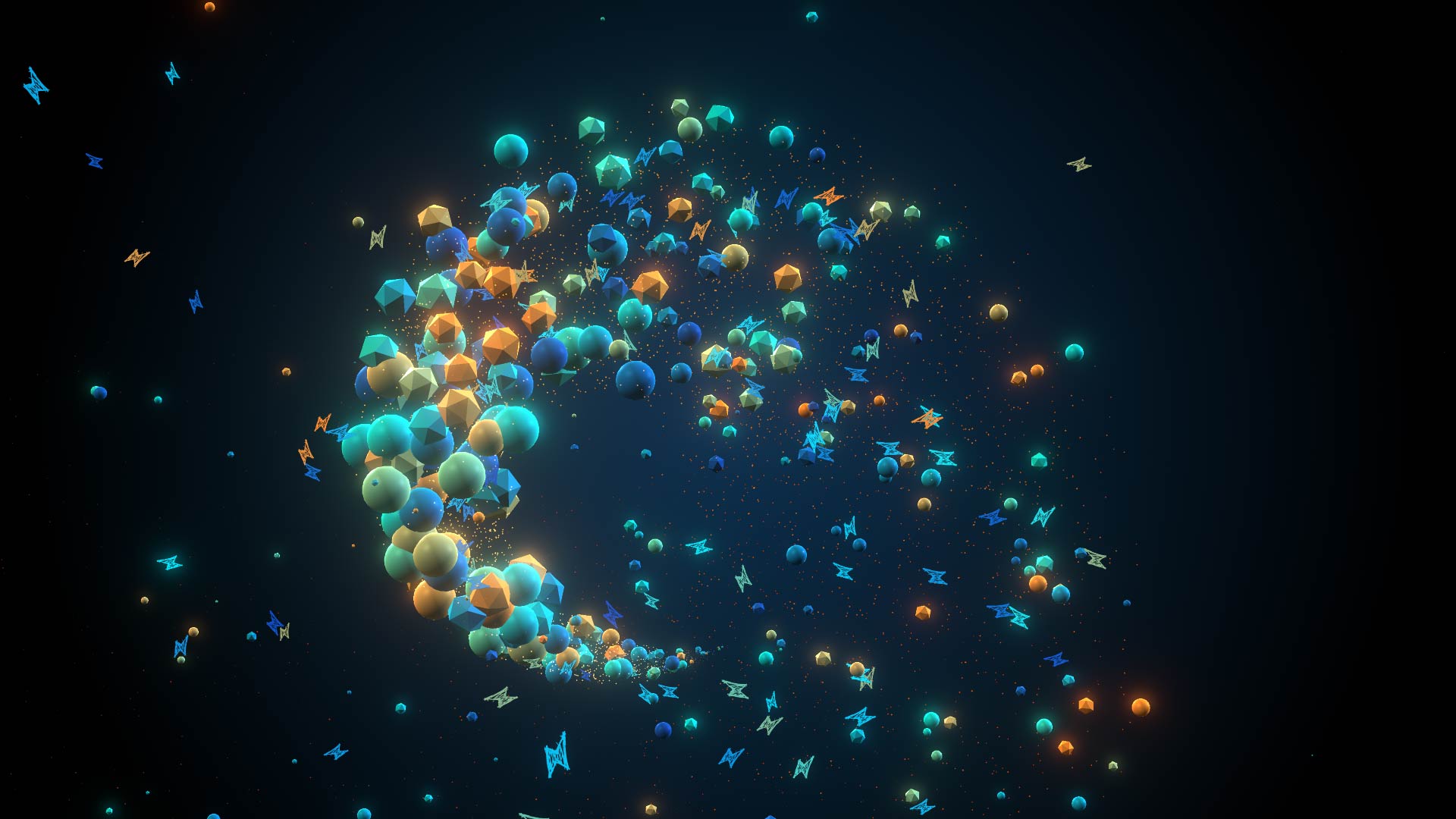
A particle is just a position until something draws it. Sprites are flat images that always face the camera, cheap and the most common. Geometry draws a real 3D shape that can be lit and catch reflections. Volumes treat particles as density, for smoke, fog and plasma. Trails or tracers draw the path a particle has traveled.

Spheres, faceted polyhedra and flat sprite particles swirling together in one system.

4. Over life: how particles change as they age

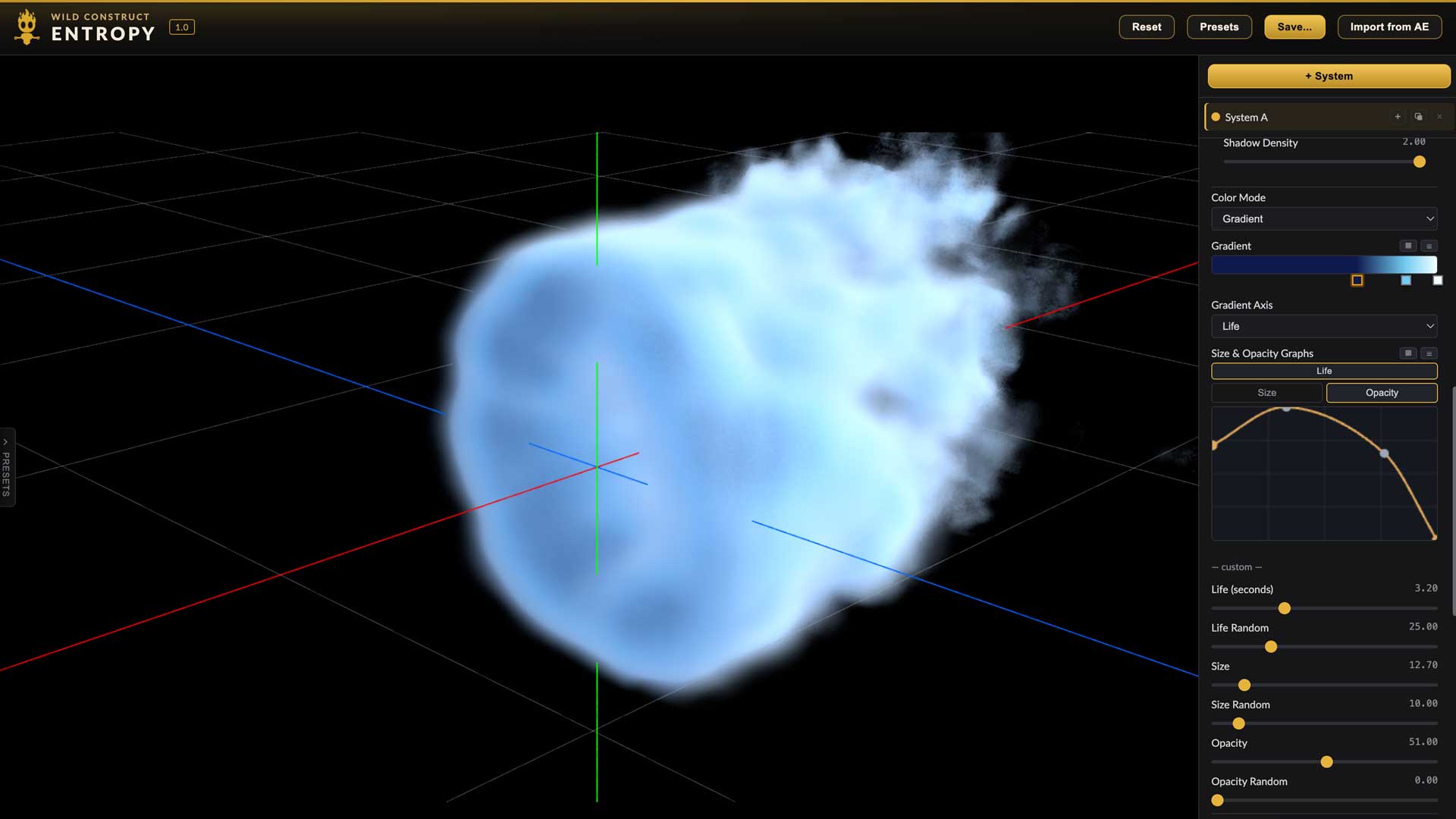
Size, color and opacity usually change across a particle's life: born small and bright, fading as it dies. Shaping these curves is where a generic burst turns into a specific look. Randomness on each property keeps a system from looking mechanical.

A cloud of blue volumetric smoke, beside an opacity-over-life curve and controls for life, size and opacity.

What After Effects gives you built in

After Effects ships with a few particle effects, under Effect > Simulation. They cost nothing and are worth learning first.

  • CC Particle World. The most capable built-in option. It simulates in 3D and renders through the comp camera, with a handful of particle types and physics presets. A good fit for simple sparks, bubbles and snow.
  • CC Particle Systems II. A 2D emitter. Quick for flat bursts and fountains when no camera moves.
  • Shatter. Not a particle system, but the built-in way to break a layer into pieces that fly apart.

Where they run short: fewer emitter shapes, no emitting from text or 3D models, a small set of forces, and limited control over how particles render. That is the point where most artists reach for a plug-in.

Particle plug-ins for After Effects

Each of these does a different job well. Pick by the shots you make most often, not by the longest feature list. The feature-by-feature checklist has the detail.

Trapcode Particular (Maxon) The long-standing standard. Fluid physics, bounce, OBJ emitters, and more than a decade of presets and tutorials. Sold by subscription as part of Maxon One.
Stardust (Superluminal) A node-based interface with strong OpenVDB volume tools. A one-time purchase.
Furikake A CPU engine with Multi-Frame Rendering, for machines where the GPU is the bottleneck.
Plumebus Path-traced fire and smoke. A specialist, not a general particle system.
Entropy (Wild Construct) Our plug-in. Simulates and renders on the GPU, nests systems several levels deep, and renders sprites, geometry, volumes and tube tracers from one system. Perpetual license, $299.
Stock particle footage Pre-rendered dust, sparks and overlays. Fastest to drop in, but it cannot follow your camera or react to your layers.

Considering a switch? See Entropy vs Trapcode Particular.

Five common looks, step by step

These steps describe the approach, not one tool's buttons, so they work in any particle system that has the pieces named. Where a built-in effect falls short, it says so.

Magic dust trail

  1. Animate a point emitter along a path, or parent it to a null that follows your subject.
  2. Set a low starting speed so particles hang where they were born instead of shooting away.
  3. Add light turbulence and a little gravity so the dust drifts and settles.
  4. Use small, soft sprites; shrink them and fade opacity over life.
  5. Finish with a glow pass on top and motion blur on the layer.

Swirling galaxy

  1. Emit from a flat disc or ring rather than a point.
  2. Add a vortex force around the disc's center, and a weak attractor so the arms don't fly apart.
  3. Give particles a long lifespan and a near-zero starting speed; let the vortex do the motion.
  4. Color by distance from the center or over life: hot white core, cooler outer arms.
  5. Tilt the comp camera so the disc reads in depth. CC Particle World can approximate this; vortex and disc emitters need a plug-in.

Logo or layer disintegration

  1. Use the logo layer itself as the emitter, so particles are born from its pixels and take its color.
  2. Animate a wipe or gradient that decides which part of the logo releases particles, and matte the original logo with the same wipe.
  3. Push the released particles with wind and turbulence in one direction.
  4. Shrink and fade over life so they dissolve rather than vanish. The built-in effects cannot emit from a layer's pixels; Shatter is the nearest built-in alternative.

Particle text

  1. Emit from a text layer's outline or fill, so the letters are drawn in particles.
  2. To form the words, run the system backward in time, or attract particles to the text from a scattered start.
  3. Use a short lifespan and a high birth rate for a crisp edge, or the opposite for a loose, smoky read.

Sparks and impact burst

  1. Fire a single high-rate burst from a point: a few frames of birth, then none.
  2. Give a high starting speed with wide direction spread, plus strong gravity and drag.
  3. Use trails or motion blur so each spark reads as a streak, and color from white-hot to orange over life.
  4. Add bounce or collisions if sparks need to hit the floor. Check your tool supports them; not every one does.

Want to see these built in a real comp? Watch the Entropy tutorials.

Getting particles to render fast

  • Count is the cost. Birth rate times lifespan is your particle count. Halve the lifespan before you lower the birth rate; the look often survives.
  • Preview at lower resolution. Particle work is about motion. Half or quarter resolution shows the motion just as well.
  • Pre-compose and pre-render. Once a system is approved, render it out and replace it with the footage while you work on the rest of the comp.
  • Know where your tool runs. GPU plug-ins depend on the graphics card; CPU plug-ins on processor cores and Multi-Frame Rendering. Upgrade the part your tool actually uses.

Questions

Does After Effects have a built-in particle system?

Yes. After Effects ships with CC Particle World, which works in 3D with the comp camera, and CC Particle Systems II, a 2D emitter. They are a good place to learn, but they offer fewer emitter shapes, forces and render options than dedicated particle plug-ins.

What is the best particle plug-in for After Effects?

It depends on the shot. Trapcode Particular has the deepest preset and tutorial library and fluid physics. Stardust is node based with strong volume tools. Plumebus is built for fire and smoke. Entropy simulates on the GPU, nests systems several levels deep, and renders sprites, geometry, volumes and tracers from one system, on a perpetual license.

Do I need a powerful graphics card for particles in After Effects?

For GPU particle plug-ins, the graphics card sets how many particles you can preview in real time. A recent Apple silicon Mac or a current Windows GPU handles most motion design work. CPU-based tools lean on processor cores instead.

Are particles in After Effects 3D?

Most particle tools simulate in 3D and render through the After Effects comp camera, so particles move correctly when the camera moves. The result is still rendered onto a 2D layer, so it does not intersect other 3D layers in the comp unless the tool supports that explicitly.

Can I make particles without a plug-in?

Yes, with CC Particle World, CC Particle Systems II, or pre-rendered particle footage from stock libraries. Stock footage is fast but cannot react to your camera, layers or text the way a live particle system can.

Try Entropy free for 7 days.

Every look on this page, built from one system on your GPU. Mac and Windows. Then $299 once, with two years of updates.

Trapcode and Particular are trademarks of Maxon Computer GmbH. Stardust is a product of Superluminal; Furikake and Plumebus are sold through aescripts + aeplugins. Wild Construct is not affiliated with any of them. After Effects is a trademark of Adobe.